


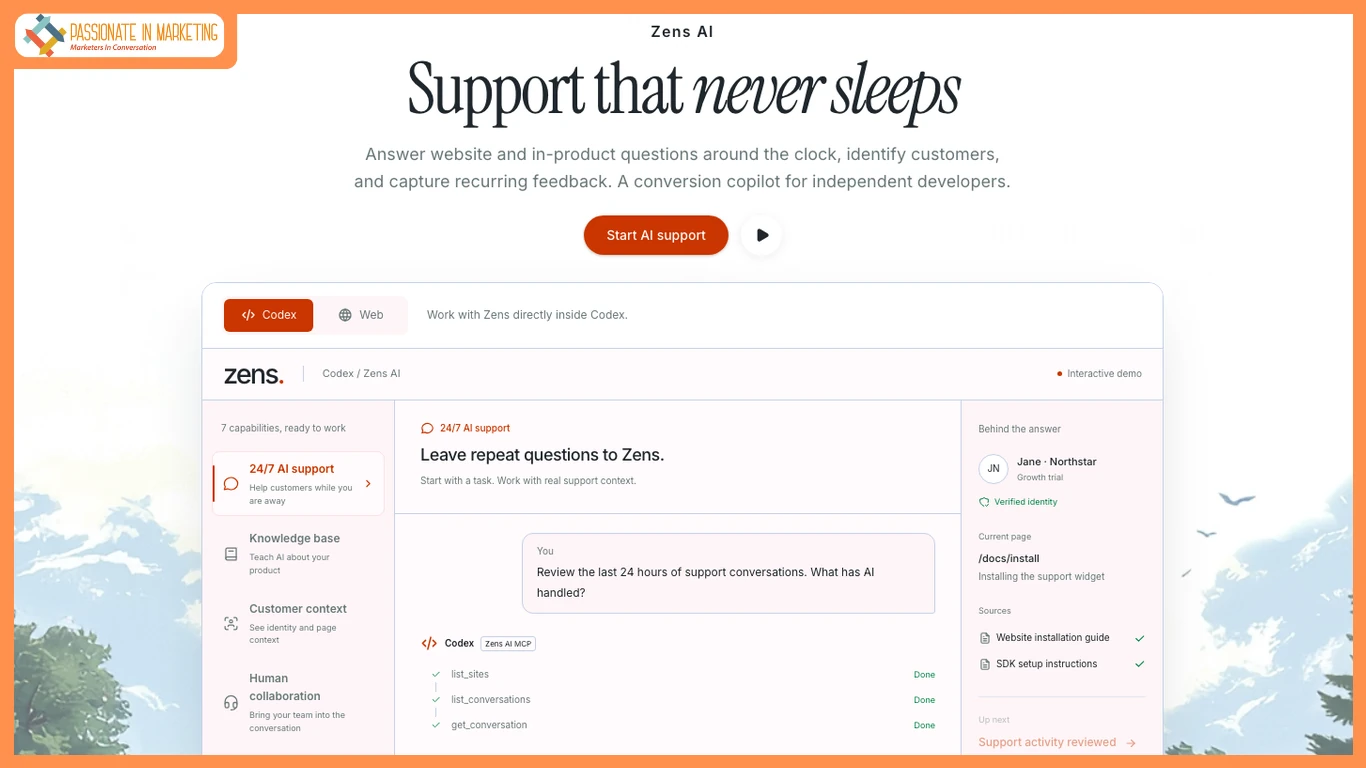
Marketing teams often use live chat to answer pricing, setup, and upgrade questions. The real cost, however, comes from repeatedly answering the same questions while high-intent visitors wait on pricing or product pages.
Zens AI positions itself as AI customer support for loop engineering and a conversion copilot for independent developers. Its approach differs from a generic shared inbox by adding signed-in user context, review-first AI drafts, and a route from recurring support questions into product work.
When A Shared Inbox Stops Being Enough
A standard inbox works well for brochure sites and simple questions such as booking a demo. Problems appear when answers depend on account information such as plan, role, trial status, or current page.
A context workspace can show the signed-in user, account traits, current page, and relevant product activity in the conversation. That reduces the need to ask customers for information the product already knows.
Review-First AI Instead Of Automatic Sending
Zens AI uses review-first replies. AI can draft an answer, but a team member must approve and send it. This matters when conversations involve pricing, billing, seat limits, or other information that should not be automatically generated and delivered.
AI replies, drafts, summaries, translations, regenerations, and greetings each count as one AI action. Failed requests are returned to the allowance.
Free workspaces receive 20 lifetime AI actions, one site, one full seat, seven days of history, and 100 monthly conversations. Starter costs $29 per month and includes two sites, three full seats, 90 days of history, and 300 monthly AI actions.
When Each Option Makes Sense
A generic inbox remains practical when visitors are mostly anonymous, questions are straightforward, or company policy does not permit AI-assisted drafting.
A context workspace becomes more useful when SaaS teams repeatedly receive account-specific questions on pricing or installation pages and want those conversations to inform product decisions.
Setup involves registering a site, receiving a site ID and signing secret, choosing which user information enters support context, adding the SDK, identifying users after login, and optionally connecting workflows with Slack or Linear.
Human review is still required. Free AI actions and three screenshot uploads do not refresh, while session recording, Slack, webhooks, API access, and SSO require higher tiers.
For marketing desks: determine whether support needs account identity, controlled AI drafting, and a direct path from repeated questions into product work.
**The opinions expressed in the article are solely the author’s and don’t reflect the opinions or beliefs of the portal**

