


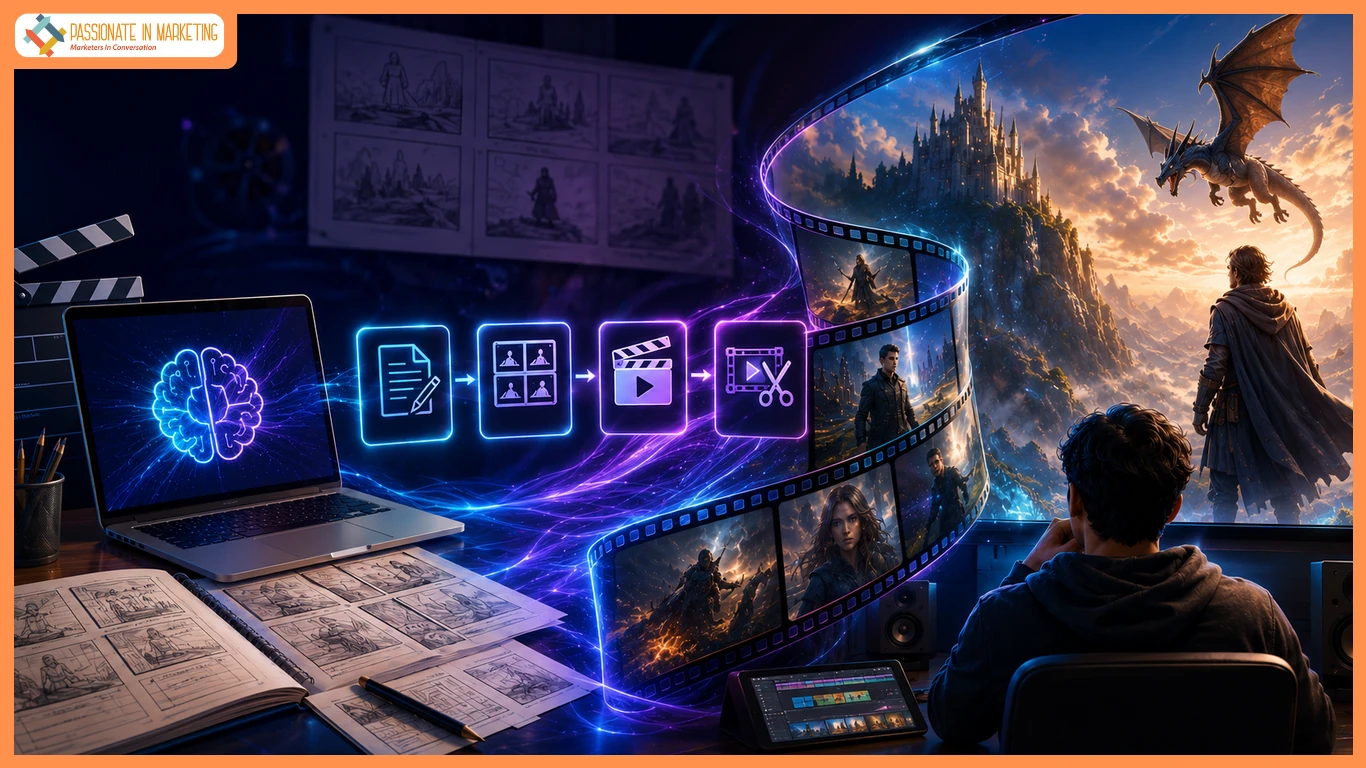
Turning a script into a watchable video has always been the hardest part of filmmaking. AI Video Maker now bridge that gap by turning scripts or images into scenes, with tools like scripting, storyboarding, and scene generation to help creators bring ideas to life.
What Supermaker AI Video Maker Offers Storytellers
Supermaker AI Video Maker turns text prompts and images into animated videos with built-in scriptwriting, storyboarding, and generation tools. It helps creators develop larger projects like short films and episodic content.
The Problem It Solves for Independent Creators
Supermaker AI Video Maker turns scripts into visual scenes, reducing production barriers while keeping storytelling and creative control at the center.
Key Features for Script-to-Scene Work
Text to Video for Scene Generation
Detailed scene descriptions can be turned directly into videos, transforming scripts into visual content without traditional shoots.
Image to Video for Visual Continuity
Existing images, including character references and concept art, can be animated to maintain visual consistency.
Integrated Scriptwriting and Storyboarding
Projects can move from outline to storyboard to finished scenes in one workflow, creating a more structured process without switching platforms.
Editing and Sound Design
Generated scenes can be refined with editing tools, AI voiceovers, music, and automated post-production features.
Assets Library for Ongoing Projects
Every generated clip is saved automatically for easy reference and reuse in multi-scene projects. .
How It Fits a Filmmaking Workflow
Creators can move from script to storyboard, video generation, editing, and asset reuse in one workflow, supporting multi-scene storytelling for short films and episodic projects.
Use Cases for Narrative and Creative Projects
- Short films: Visualize scripts scene by scene without a full crew.
- Storyboard animatics: Animate frames to test pacing and shots.
- Web series: Maintain continuity by reusing assets across episodes.
- Personal stories: Turn poems, narratives, and photos into visuals.
- Concept visualization: Create pitch-ready scenes before production.
Frequently Asked Questions
Can a full short film be made with this tool?
The platform supports short films and episodic content by combining scripting, storyboarding, and scene generation in one workflow.
Does Image to Video help with maintaining visual consistency across scenes?
Existing images, such as character and location references, can be animated to maintain a consistent visual style across scenes.
Is prior filmmaking or editing experience required?
Text to Video and Image to Video help creators turn ideas into videos without production experience, while AI handles the technical process.
Can generated scenes include sound and voiceover?
Supermaker’s AI Voice Maker, AI Music Maker, and editing tools help refine videos with voiceovers, music, and enhancements.
Can finished projects be used commercially?
Premium users receive full commercial usage rights for generated videos.
Conclusion
Supermaker AI Video Maker combines scripting, storyboarding, and generation in one workflow, helping creators turn ideas into visuals without a full production setup while keeping creative control at the center.
**’The opinions expressed in the article are solely the author’s and don’t reflect the opinions or beliefs of the portal’**

