


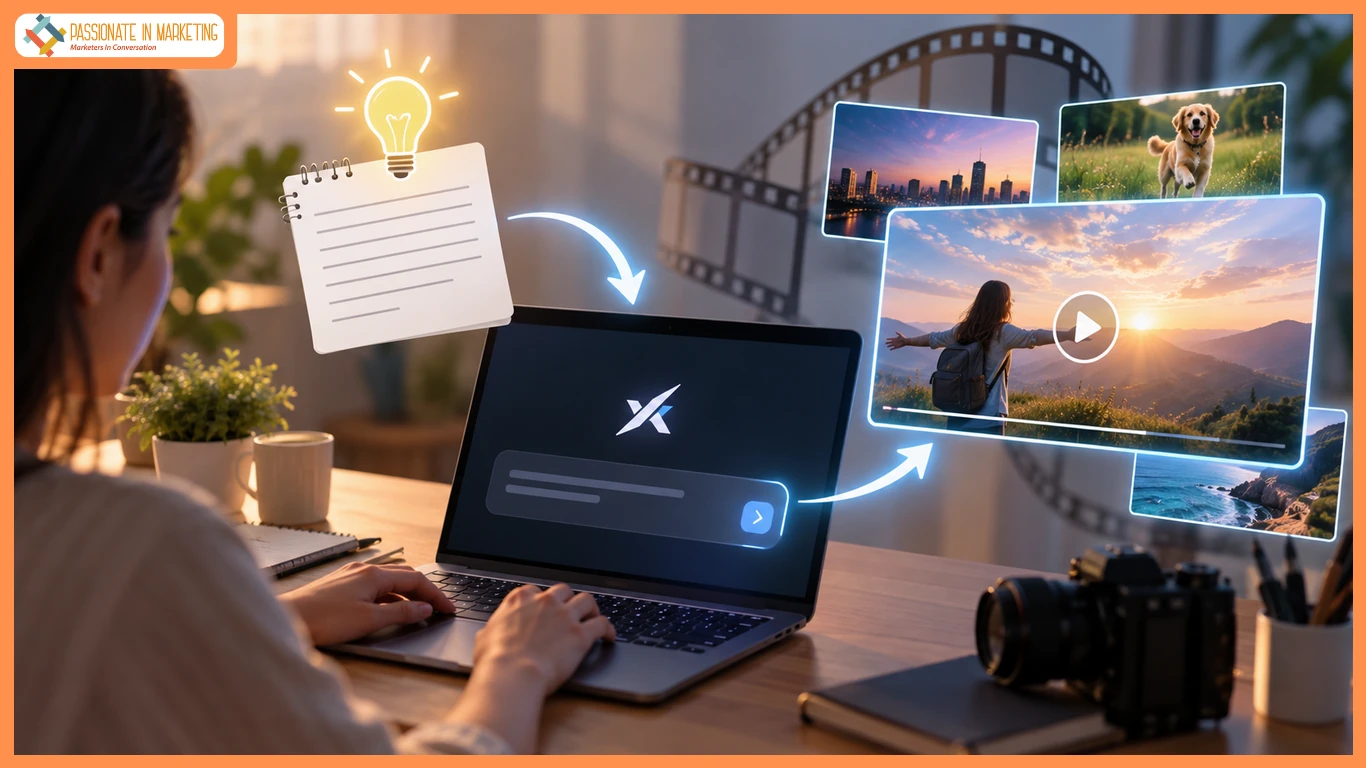
Text-to-video simplifies video creation without filming equipment or advanced editing skills. Start with a clear idea or script, turn it into scenes, describe them clearly, and refine the final video.
A creator exploring this approach may evaluate a Grok Video AI Generator as one possible part of the production process. The best workflow depends on the project’s topic, audience, format, and review requirements.
What Is Text-to-Video Generation?
Text-to-video creates scenes from written prompts, making it useful for short-form content, education, visual development, and creative projects.
Step 1: Start With One Clear Idea
Choose one focused idea or question to give the video clear direction.
Step 2: Write a Simple Script
Introduce the problem, explain the idea, give an example, and end with a clear takeaway.
Step 3: Break It Into Scenes
Divide the script into short scenes, with each scene covering one key point.
Step 4: Describe Visual Details
Specify the subject, action, setting, lighting, camera movement, mood, and audience. Focus only on essential details.
Step 5: Keep a Consistent Style
Use consistent colors, backgrounds, movement, effects, narration, and readable captions. Repeat key style details in each prompt for a more cohesive result.
Creators who want to explore the image and video side of this process can also review Grok Imagine AI Video as a reference point for developing visual concepts. The important practice is to compare the output with the original message rather than judging the visuals alone.
Step 6: Review Before Publishing
Watch the video without sound, then with sound. Check the opening, clarity, scene flow, captions, pacing, and ending.
Step 7: Add Captions
Use short, clear, high-contrast captions that do not cover important visuals.
Step 8: Apply AI Video Practically
Use text-to-video for education, marketing, product presentations, article summaries, and creative concepts where visuals add value.
Common Mistakes
Define the audience, test short scenes first, and verify all facts, statistics, products, and events before publishing.
Frequently Asked Questions
What is the difference between text-to-video and traditional filming?
Text-to-video uses written prompts to create visuals, while traditional filming uses cameras, people, and physical locations.
Can text-to-video create a complete story?
Yes, but creators still need to plan, check continuity, and edit the final result.
How detailed should a prompt be?
Include the subject, action, setting, mood, and visual style.
Is text-to-video only for professionals?
No. Beginners can use it for explainers, practice projects, and social media content.
Conclusion
An effective text-to-video workflow starts with a clear message. Write a focused script, divide it into scenes, describe visuals clearly, maintain consistency, and review before publishing. AI speeds up experimentation, but quality still depends on clear creative decisions.
**The opinions expressed in the article are solely the author’s and don’t reflect the opinions or beliefs of the portal**

