


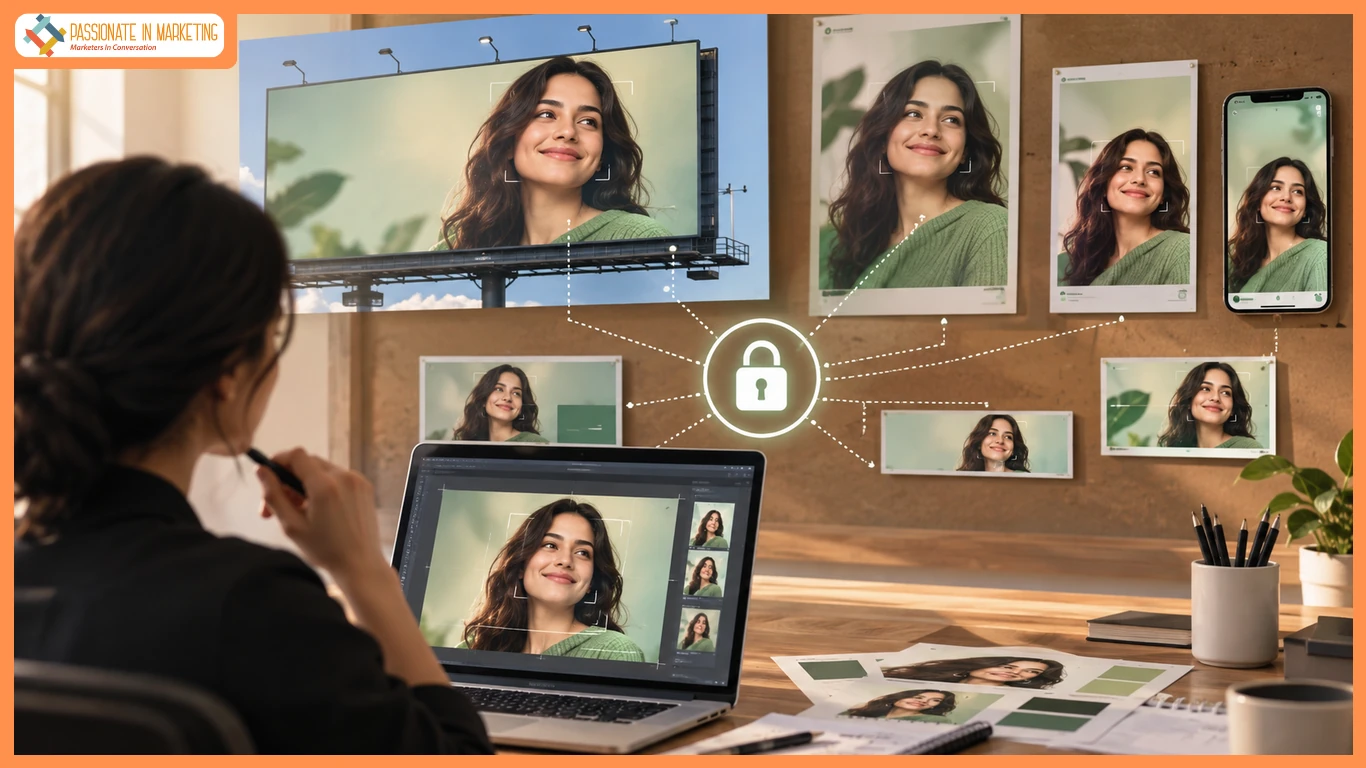
Paid media sizes fail the brand when each crop invents a new spokesperson. A 1:1 tile can look finished and still disagree with the 9:16 story next to it. banana ai image generator work only earns a slot on that buy if both files start from the same approved still and change only the scene.
The media plan already locks the face. The buy may have two or three cells, and the brand manager must confirm they show the same person. A prettier stranger is a recast, and the media buyer may spot it before the client.
Why Ad Crops Invent A Second Spokesperson
Paid social often needs the same hero in multiple frames. Resize from the approved still—change only the backdrop, crop, or prop. Any face change is a recast.
What To Lock Before Generating
Start with the approved still. Define one scene change and avoid prompts that could alter the talent.
Use The Signed Still As The Source
Attach the approved file and name it by talent, product, and legal date. Prompt-only generation can change the cast.
Make One Change At A Time
Use one clear change per prompt. Handle expressions, poses, and skies separately. Add text later.
Three Moves For A Size Pack
Use the same signed still for every size. Set the ratio, generate, review, and change only the framing or ratio. Keep every ticket tied to the same source.
Upload The Signed Still, Then Name One Chan
Conversational editing on this path is built for one element at a time. Change the sidewalk. Leave the pose. If the pose also slipped, the local edit already failed. Go back to the signed still and start the loop again. Nano banana is useful here as the cheap iteration lane, not as a license to recast.
Mistakes That Invent A Second Face
Most recasts come from process errors:
- Starting from a prompt, not the signed still.
- Changing the ratio and person together.
- Accepting a better but different face.
- Sending 9:16 before comparing with 1:1.
- Switching models mid-pack.
Use Banana 2 and switch only when the cast or job changes.
When The Pack Can Ship
Compare both crops side by side with backgrounds hidden. If the same person is clear, it is likely safe. If not, treat 9:16 as a recast.
Then check the backgrounds. If the scene changed but the face held, make one local edit. If the face changed,
Who Should Run This Size Pack
Use NovaImage AI only when the face is approved and you need a new set or ratio. Skip it when talent is unapproved or still being chosen.
The workspace can edit the signed still and export new sizes, but cannot confirm the same person. That remains the brand manager’s job.
Keep the plan simple: same talent and clothing, with only necessary scene or ratio changes. Start every edit from an approved image.
**The opinions expressed in the article are solely the author’s and don’t reflect the opinions or beliefs of the portal**

