

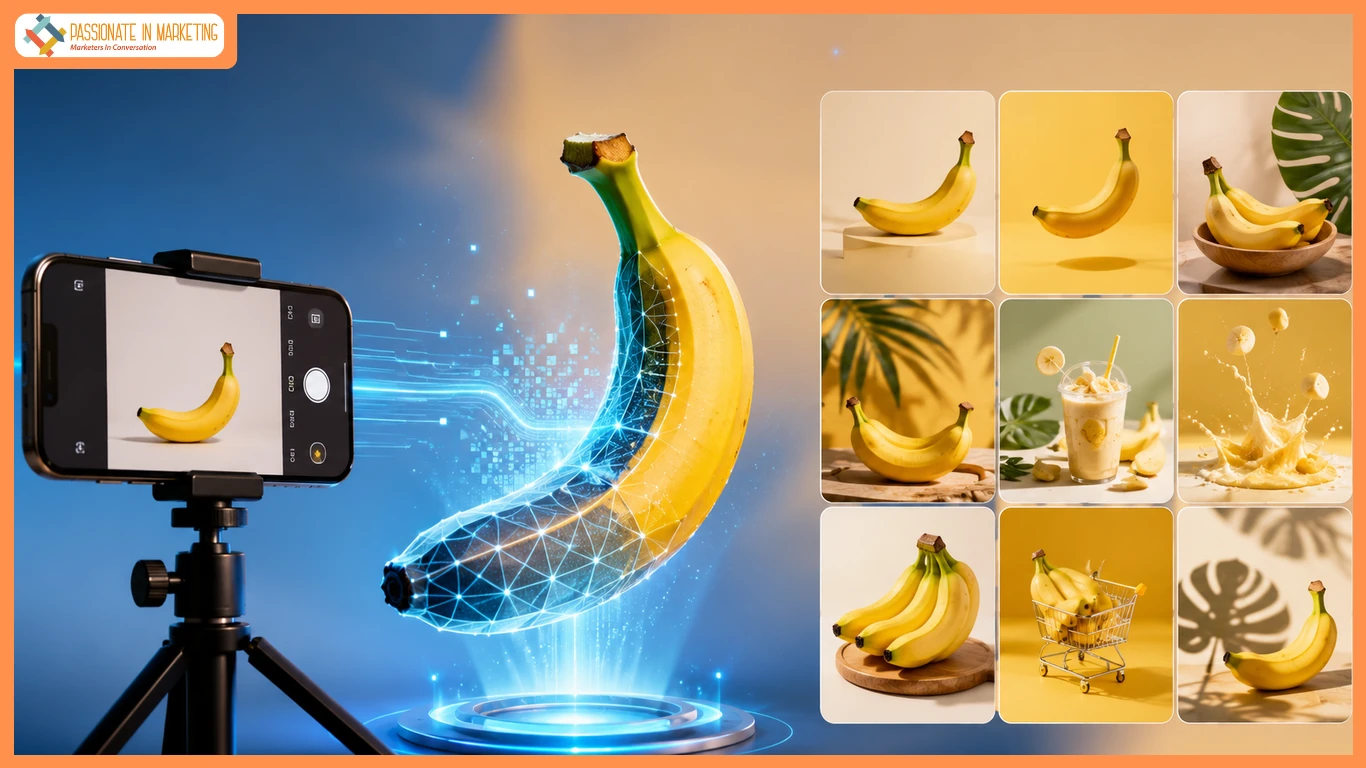
Hiring photographers or designers for every product shot can be costly. Nano Banana AI, integrated with Kimg AI’s image generation feature, turns one product photo into multiple ready-to-publish visuals without recurring studio expenses.
What Is AI Image Generation?
Kimg AI turns prompts or photos into varied product visuals using Nano Banana AI and Nano Banana Pro, helping sellers create campaign images without new shoots.
Traditional Challenges of AI Image Generation
Traditional product photography requires costly shoots, edits, and licensing. AI image generation creates multiple product variations from one image, saving time and effort.
How Kimg AI Handles AI Image Generation
Kimg AI provides core image-generation capabilities that help sellers turn a single reference photo into finished visuals within one workflow. .
Style Transfer & Photo Transformation
Users can transform product photos into different styles, from photorealistic to illustrated, for ads, catalogs, and other marketing needs using Nano Banana AI.
Reference-Image Consistency
The feature supports up to four reference images, helping maintain consistent products, characters, or brand elements across multiple generations.
Resolution & K-Level Upscaling
Free tiers offer standard resolutions, while paid plans unlock higher outputs, including up to 4K with Nano Banana Pro for detailed ads and print assets.
Output & Usage – Ready for Real Content
Paid plans provide commercial usage rights and watermark-free exports, allowing images to be used directly in marketing campaigns or client projects.
How to Generate Custom Images with Kimg AI
Step 1 – Prepare Input
Before generating, upload a product photo and provide a clear prompt describing the desired style, setting, lighting, or mood for better results.
Step 2 – Configure Settings
Select a model and resolution tier, with Nano Banana Pro offering up to 4K output on paid plans. Add reference images to maintain style and product consistency.
Step 3 – Generate & Export
After confirming settings, generate image variations, preview them, and export approved visuals for listings, ads, or social posts according to your plan’s usage terms.
Use Cases for Independent E-Commerce Sellers
-
- Catalog Refresh Sellers: Create seasonal product variations from existing photos without new shoots.
- Multi-Platform Listers: Adapt images for marketplaces, ads, and email campaigns.
- Small-Batch Brand Owners: Keep product visuals consistent across catalogs.
- DTC Ad Creators: Generate high-resolution assets for paid campaigns.
FAQ
How does the image generation workflow actually work?
Users upload a photo or prompt, select a model like Nano Banana AI, and generate consistent image variations with optional reference images.
Can generated images be used commercially?
Paid Kimg AI plans include commercial usage rights, but users should review plan terms for specific usage and watermark rules.
Does the feature support multiple image styles?
The feature supports photorealistic and illustrated styles, reference-based consistency, and varying resolutions based on the selected plan.
Conclusion
Nano Banana AI helps Kimg AI users create consistent product variations with flexible resolutions, reducing the need for photoshoots or stock images.
**’The opinions expressed in the article are solely the author’s and don’t reflect the opinions or beliefs of the portal’**

