


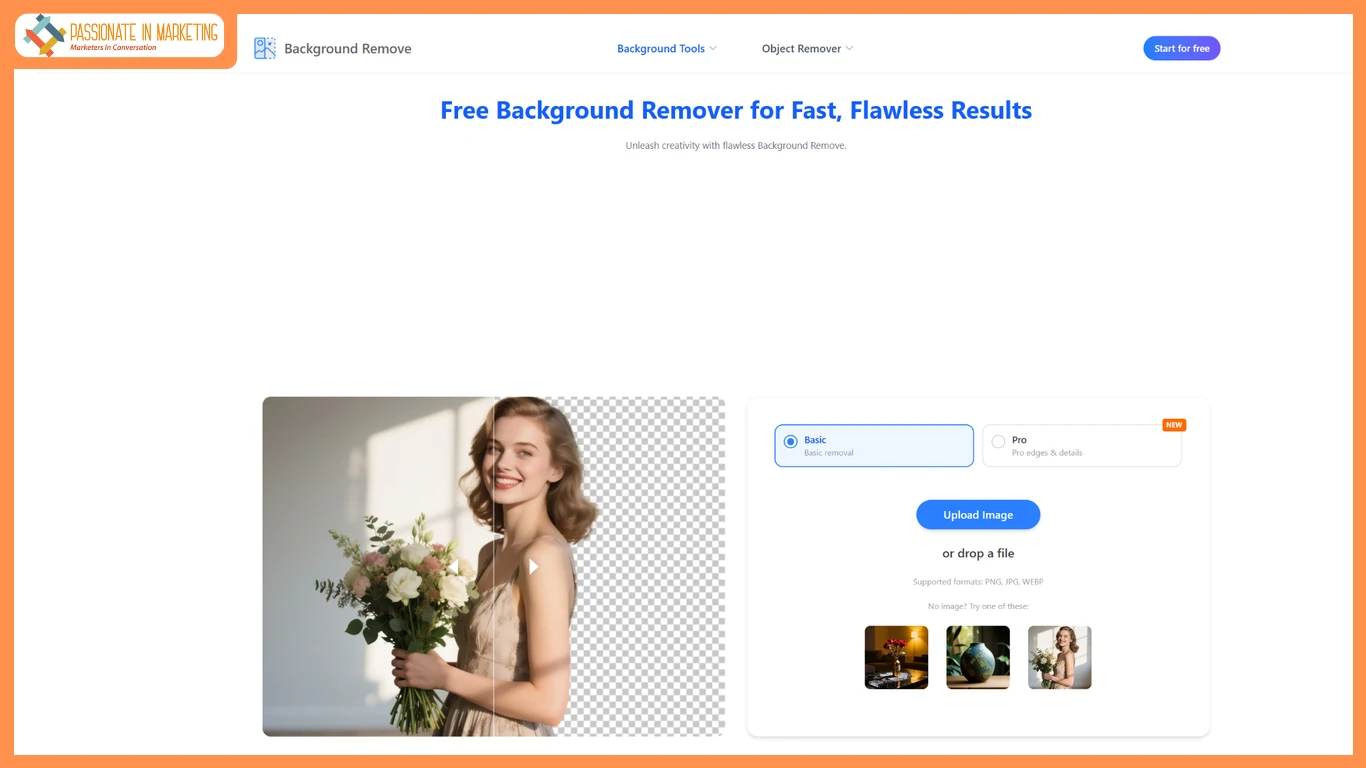
In 2026, visual content is more important than ever. Whether you’re running a small online store, creating social media posts, designing presentations, or building a personal brand, clean and professional images are essential. One of the most common editing needs today is removing backgrounds from images quickly and accurately.
Earlier, this required advanced software like Photoshop and technical editing skills. Now, artificial intelligence has completely changed the process. You can instantly use a Free AI Background Remover to cut out subjects from photos without any manual work, and in many cases, without even creating an account.
This article explores the best free AI tools available in 2026, how they work, and why they have become essential for designers, marketers, and everyday users. You’ll also learn how a Transparent Image Maker can help you create professional visuals in seconds.
Why AI Background Removal Has Become So Popular
The demand for clean visuals has grown rapidly with the rise of digital marketing, e-commerce, and social media content creation. People no longer want cluttered or distracting backgrounds in their images.
Here are a few reasons why AI background removal tools are so widely used:
- They save time compared to manual editing
- They require no design skills
- They work instantly in the browser
- They produce professional-quality results
- They are accessible to everyone
Instead of spending hours editing images, users can now remove backgrounds in seconds with just a few clicks.
Why No-Signup Tools Are Trending in 2026
One of the biggest changes in 2026 is the rise of no-signup AI tools. Users prefer platforms that allow instant access without registration.
Here’s why:
- Faster workflow
- No email or password required
- Better privacy
- Immediate download options
- Easy one-time usage
For casual users and professionals alike, no-signup tools offer unmatched convenience.
What Makes a Good Free AI Background Remover
Not all tools deliver the same quality. When choosing a good solution, you should consider the following features:
Accuracy
The tool should clearly separate the subject from the background without leaving rough edges.
Speed
Fast processing is important, especially for users working on multiple images.
Output Quality
The final image should remain sharp and high-resolution.
Ease of Use
A simple drag-and-drop interface is ideal for beginners.
Transparency Support
The tool should export PNG files with transparent backgrounds.
Why AI Is Replacing Traditional Editing Methods
Before AI tools, background removal required manual selection, masking, and layer editing in software like Photoshop. This process was time-consuming and required professional skills.
AI has changed everything by:
- Automating object detection
- Reducing editing time
- Improving accuracy
- Making editing accessible to everyone
- Eliminating the need for expensive software
Transparent Image Maker Tools in Modern Design
A Transparent Image Maker is essential for creating modern digital content. Transparent images are widely used in:
- Website design
- Product listings
- Presentations
- Digital ads
- Social media graphics
One platform that supports this workflow is backgroundremove.io, which provides AI-powered tools designed to create transparent images quickly and efficiently. It helps users generate clean cutouts without needing manual editing.
Final Thoughts
AI-powered background removal has completely changed the way we edit images. What once required professional tools and skills can now be done instantly with a Free AI Background Remover.
Whether you’re a business owner, designer, marketer, or casual user, these tools help you create clean and professional visuals in seconds. A Transparent Image Maker makes it even easier to prepare images for websites, ads, and social media.
**’The opinions expressed in the article are solely the author’s and don’t reflect the opinions or beliefs of the portal’**

