


1. Saving Facebook Videos for Offline Viewing
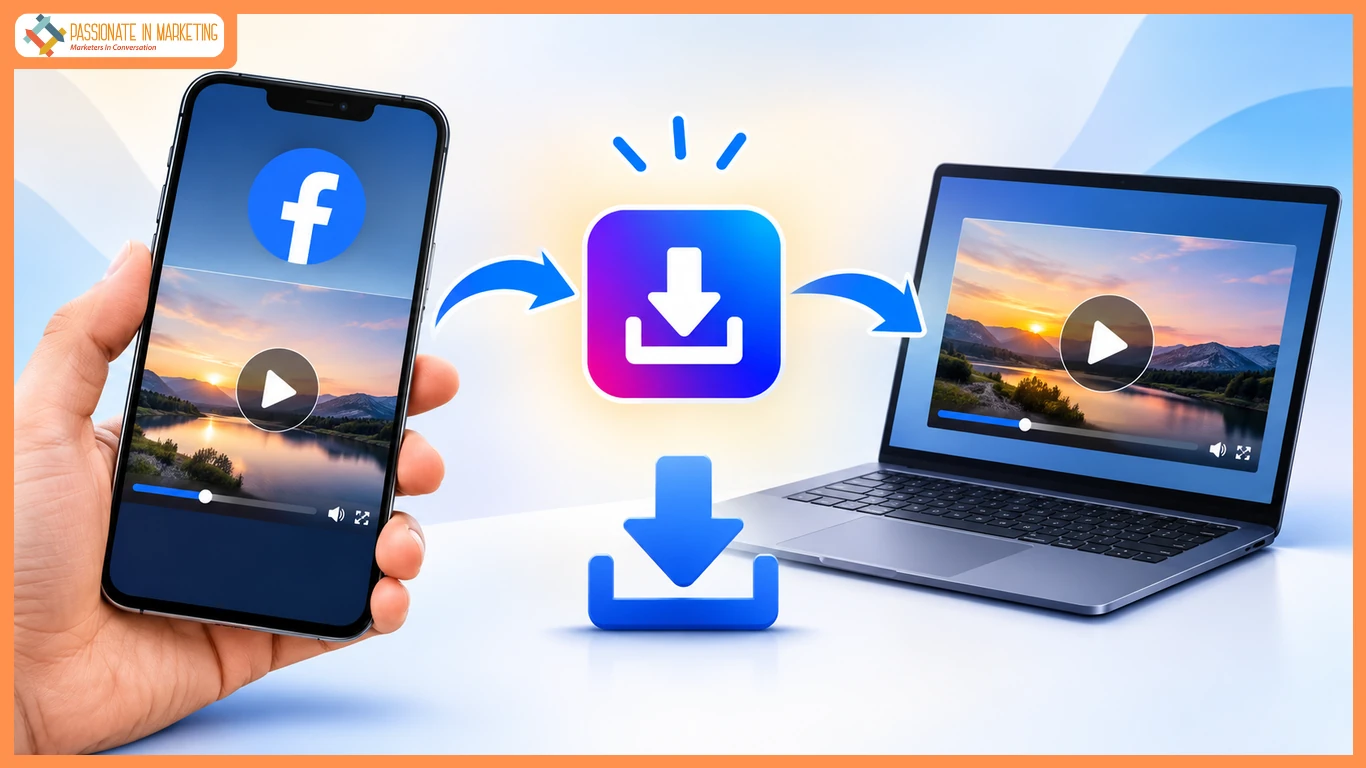
Facebook is full of useful tutorials, educational clips, and memorable moments worth revisiting. Saving videos for offline viewing makes them accessible during travel, limited connectivity, or whenever you want to avoid repeated streaming. A browser-based downloader offers a practical way to keep permitted videos on your device.
2. How to Download Facebook Videos Using VidsSave
VidsSave is an online Facebook video downloader that works through a web browser without requiring additional software. To save Facebook videos, follow these steps:
- Open Facebook and find a publicly accessible video.
- Tap or click Share, then select Copy link.
- Visit VidsSave and paste the URL into the download field.
- Select Download to process the link.
- Choose an available video quality, such as HD when supported, and save the file.
Available resolutions depend on the original upload.
3. Save Facebook Videos on Android and iPhone
On Android, open the Facebook app, tap Share beneath the video, and choose Copy link. Open Chrome, paste the link into VidsSave, and download an available file. On iPhone, repeat the process using Safari. Android downloads typically appear in Downloads; iPhone users can check the Files app under Downloads. File locations can vary with browser download settings.
4. Download Facebook Videos on a Computer
On a Windows PC or Mac, open Facebook in your browser and find the video you want. Click Share and select Copy link, then paste the URL into VidsSave. After processing, choose an available resolution and download the MP4 file. Look in your browser’s Downloads folder to locate the saved video.
5. Tips for Successful Facebook Video Downloads
For smoother downloads, make sure the Facebook video is publicly accessible and its URL is complete. Choose a lower resolution to conserve storage or HD for clearer playback when available. If downloading fails, check your internet connection and try copying the link again. Always respect copyright, platform rules, and the creator’s permission before saving or sharing content.
6. Watch Facebook Videos Offline More Easily
Saving Facebook videos can make tutorials, educational content, and favorite clips easier to revisit without an internet connection. Browser-based tools such as VidsSave offer a straightforward option on phones and computers. Choose an appropriate file quality, and download only videos you have permission to keep.
**The opinions expressed in the article are solely the author’s and don’t reflect the opinions or beliefs of the portal**

