


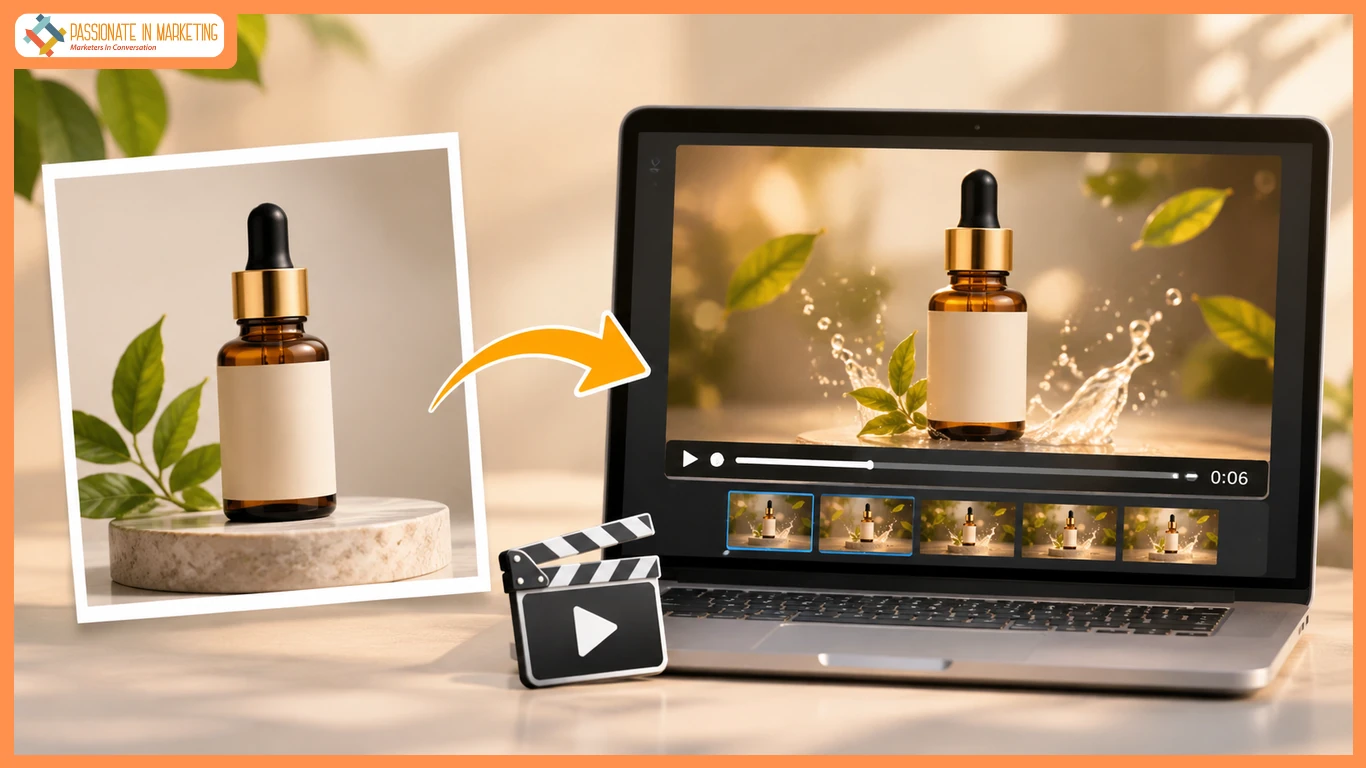
A shop wants a six-second vertical ad showcasing its new forest-green water bottle with an orange lid and white logo, using a product photo instead of a video shoot. The orange lid is its most recognizable feature and should grab attention. flux 3, Use the approved product photo as the starting frame and describe a simple motion shot to create video content without a new shoot.
Write the Ad Before Animating the Bottle
Identify the bottle immediately for sound-off viewers. Show it on a sunny desk beside a trail map and sunglasses, with a slow push-in and space for a collection CTA. Keep all claims accurate.
Six Seconds, Three Decisions
- First 2 Seconds: Show a clear close-up, highlighting the orange lid and bottle design.
- Middle 2 Seconds: Add a gentle camera push or shifting daylight while keeping the bottle and props still. Avoid rotation that could distort details.
- The Final Two Seconds: Leave Space for the Message
End with the unobstructed bottle and space for a short CTA. Add verified launch text and a clickable link during editing.
| Time | Visual | Purpose |
| 0–2s | Bottle and orange lid clearly visible | Identify the product |
| 2–4s | Slow camera push-in | Highlight the design |
| 4–6s | Bottle stays visible with space for CTA | Drive product clicks |
Prepare a Motion-Ready Photo
Use the shop’s approved photo, keeping the full bottle, lid, logo, colors, and proportions intact. Widen the composition if needed and prepare a vertical version before cropping.
Generate Motion and Review Product Details
With the approved image ready, open the image-to-video mode in your chosen editor. flux 3 Upload the approved photo and select image-to-video settings. Use this prompt:
Preserve the bottle, logo, colors, and props. Add a slow camera push and subtle sunlight movement. Keep the bottle still, centered, and fully visible in vertical framing. Add no objects or text.
Check the opening, middle, and final frames for distortions. Simplify the motion if needed, and include the original product photo in the campaign.
Choose a Sound Strategy That Fits the Placement
Use subtle, scene-matched sounds like morning birds or quiet room tone. Avoid unrelated effects. Test both silent and audio versions, keep captions readable, and make the offer, date, and product name editable.
Test Two Openings
Opening A: Product First
Center the bottle from the first frame, highlighting its orange lid for instant recognition.
Opening B: Weekend Context
Show the bottle beside the trail map, then gently move the camera toward it. Keep the map secondary.
Show both versions to a few people without explaining the campaign. Ask which product and detail they remember. Choose the clearer version, then check visibility on a phone, including behind platform controls.
Publish a Video That Matches the Product
Verify the clip’s bottle details, text, audio rights, dimensions, and link before launch. A strong six-second ad uses one clear visual, subtle motion, and a readable ending for instant product recognition.
**The opinions expressed in the article are solely the author’s and don’t reflect the opinions or beliefs of the portal**

