


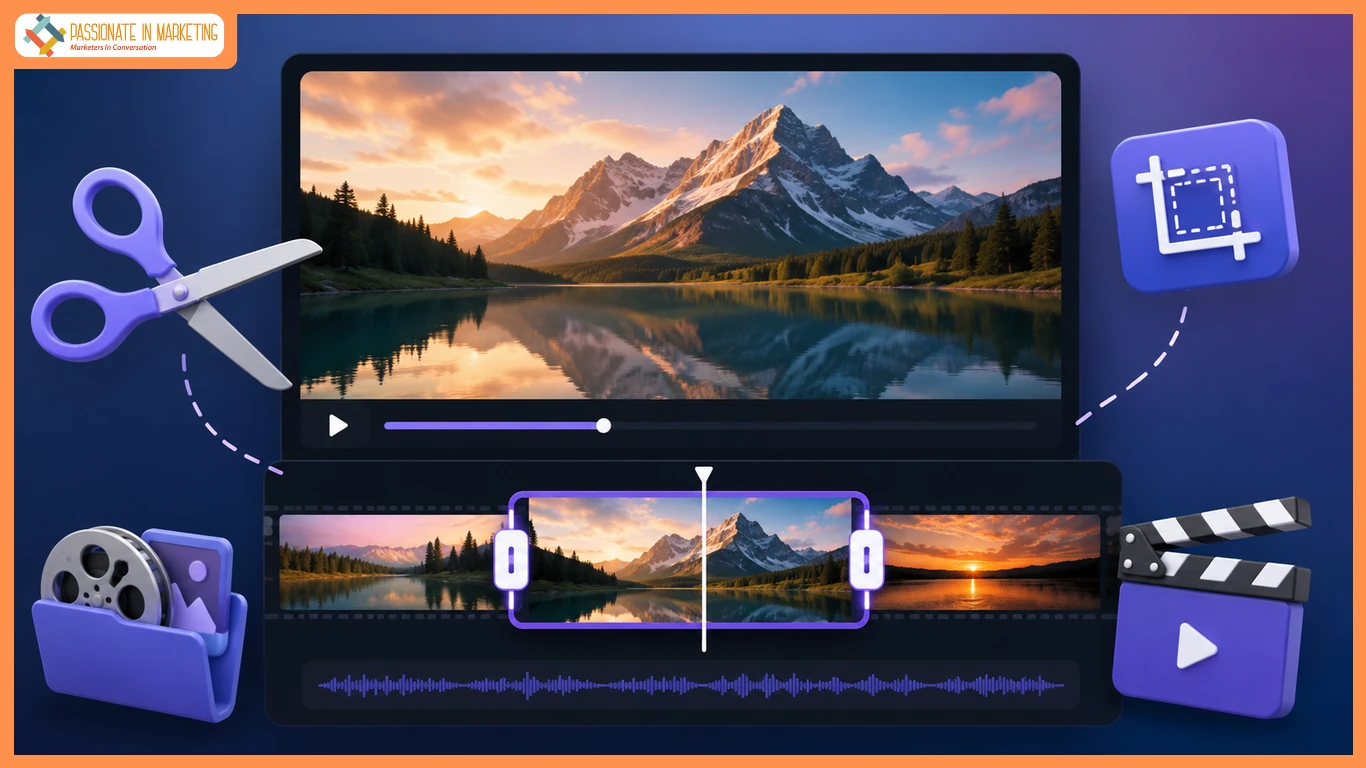
Now, video editing isn’t only faster and simpler, it is accessible in your browser. There is no need for complicated software when it comes to cropping video, trimming clips, or cutting out unwanted scenes. You can edit all the details in a second with a modern crop video online tool, and it doesn’t require any installation.
Anyone can make good, professional-looking videos at the click of a mouse with a free video cropping tool. Crop a video for a YouTube channel, social media, or for private projects in a couple of clicks. You can easily find a guide on how to learn video cropping, even for a novice. The grand thing is that you can crop video without using video software and still gather quality outcomes instantly.
Simple Practices for Better Video Cropping Results
If you want to obtain the best results in cropping video online, don’t panic at all, as there are some simple practices that can help you with this.
- Firstly, always use the right aspect ratio. If you want to crop a video for YouTube, use 16:9. Use vertical format on TikTok or Instagram (9:16).
- Second, don’t eliminate significant parts from the frame. When following YouTube’s “how to crop a video online”, always preview before exporting.
- Third, have a free video cropping tool that retains the video quality and is reliable. Bad tools can cause a lowering of the resolution during editing.
- Fourth, make sure that you maintain a balance in the framing. Be sure the subject is in the centre after cropping the video.
- Finally, before sharing, always check out the end result.
Since video software is slow and cumbersome, many users would like to be able to crop video without using a video program. However, proper settings are crucial to a professional outcome.
Best Video Formats for Smooth Online Cropping
When you cut a video online, you should get the most suitable format to choose. The best free video cropping software will offer a range of different formats so that the user can edit their video without trouble.
MP4 is widely adopted as it can be played on any platform, including YouTube and social media platforms. MOV is favored by Apple users and offers good-quality output. The AVI format is used for older videos, and the MKV format is widely adopted for high-definition videos.
Video cropping for YouTube and other platforms guarantees improved performance and convenient handling. A lot of users wonder how to crop a video online, but it is not supported. This is solved by a crop video online tool that automatically supports multiple crop video formats.
Why People Rely on Browser-Based Video Editors
Having a video-making website for crops is beneficial for virtually anyone creating video content. YouTube content creators use it to edit the video for YouTube and discard parts that are not important.
To produce more ideal vertical videos for TikTok and Instagram, social media users need a complementary video cropping tool. It’s used by marketers to make quick edits to promotional materials and ads without requiring heavy software. They usually resize the video without opening video editors to save some time during campaigns.
Students use it for presentations, assignments, and projects where they need basic editing. Even when using video as a regular tool, it is great when they need to adjust the framing of a video or cut personal video clips. People look for how to crop video online because they’re seeking an easy and quick way without picking up any new tools.
Easy Video Editing Without Any Software Hassle
Browser-based video editing is very easy. A crop video online tool enables you to cut, edit, and fine-tune videos on the fly without software installation. Use a free video cropping tool to easily crop video for YouTube, social media, or your own projects in a couple of clicks.
Anyone, even newbies, can be able to crop a video online easily and without relying on complex expertise and have professional results. The primary benefit of using video cropping is the ability to crop a video without having to launch video software, resulting in time and device space savings.
**’The opinions expressed in the article are solely the author’s and don’t reflect the opinions or beliefs of the portal’**

