


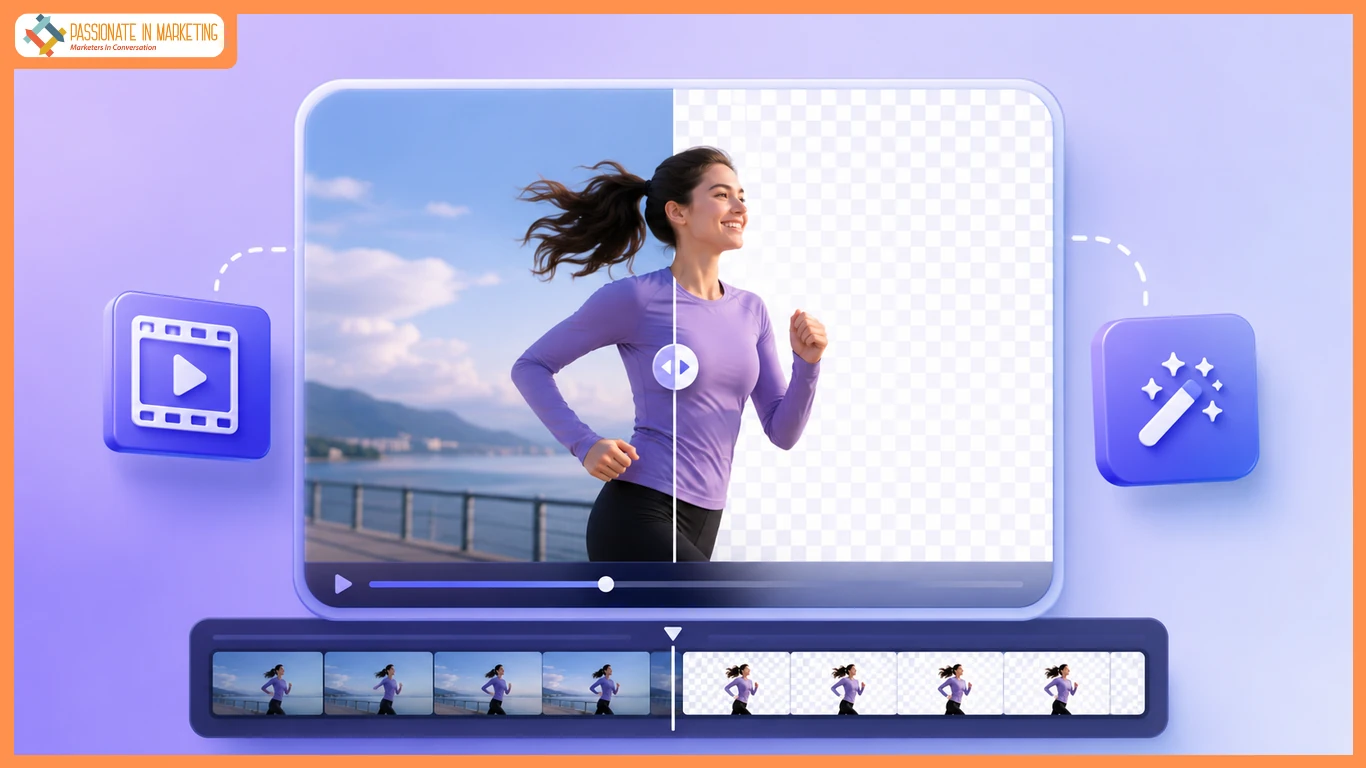
Performance marketers do not lose launches because they lack ideas. They lose launches because a greenscreen booking slips, a talent slot moves, and the creative calendar still expects a transparent cutout by Thursday. A practical Video Background remover loop — short clip in, alpha-ready file out — clears most promo and ad creative cycles without waiting on studio cloth. The goal isn’t prettier visuals—it’s delivering the weekly creative set before the media plan goes live.
I work on an in-house performance team producing weekly paid social ads and YouTube bumpers. Studio delays often slow launches, but a transparent-export workflow alongside the edit timeline removes the need for many reshoots, helping us deliver faster without disrupting production.
Studio Hours Versus A Desk-Side Cutout Loop
Greenscreen is still best for long videos and complex shoots, but for 15–30 second product clips, talking heads, or simple promos, a desk-side background removal workflow is faster and avoids unnecessary studio bookings. One delayed shoot can disrupt an entire campaign, while transparent exports let editors create multiple background versions without reshooting.
Before uploading, decide whether the content is for commercial use, whether you need a transparent background, and the required file format. Keep clips under 30 seconds, use MP4, MOV, or WebM, and shoot with clean subject separation to speed up editing and keep weekly production on schedule.
Workflow Steps That Clear Most Promo Cycles
The usable loop is short enough to teach a contractor in one stand-up. Midway through our first week using it, Unscreen Pro stopped being a bookmark and became the default cutout desk for weekly variants. Upload your video, let AI remove the background, preview the results, and export in the right format (MP4, MOV, WebM, or GIF). Most short clips process in minutes, and keeping masters organized helps avoid watermark or file-format mistakes.
The most common launch issues are using watermarked files or exporting without alpha support. Use WebM VP9 or MOV ProRes for transparent backgrounds, and MP4 H.264 when transparency isn’t needed. Start with the browser workflow, then automate only after your process is reliable.
Ship Checklist Before You Book Another Studio Slot
Run this before you reopen the greenscreen calendar:
- Action fits ~30 seconds of source, not a long take “for safety.”
- Commercial rights path chosen if the file will run paid media — no watermark surprises.
- Original vs Transparent preview checked at the crop you will actually serve.
- Export matches need: WebM VP9 / MOV ProRes for alpha; MP4 H.264 when alpha is unused; GIF only for tiny loops.
- Local master saved; cloud copy treated as temporary (deleted within 24 hours).
- Studio cloth reserved only for shoots that truly need length, wardrobe continuity, or policy-mandated live capture.
Unscreen Pro is one way to run that checklist without turning every promo into a logistics project. Mention the old Unscreen wind-down once if someone still asks where the previous tool went — then move on. Skip nostalgia. Keep the short transparent-export loop that holds weekly creatives on the calendar when studio booking would have slipped the launch.
**’The opinions expressed in the article are solely the author’s and don’t reflect the opinions or beliefs of the portal’**

